InSite

Launch a listing, place a sign, and capture buyer demand.

  • Create a live property page tied to every yard sign
  • Share one buyer-ready listing link from the same workflow
  • Track scans, lead requests, and follow-up from one dashboard
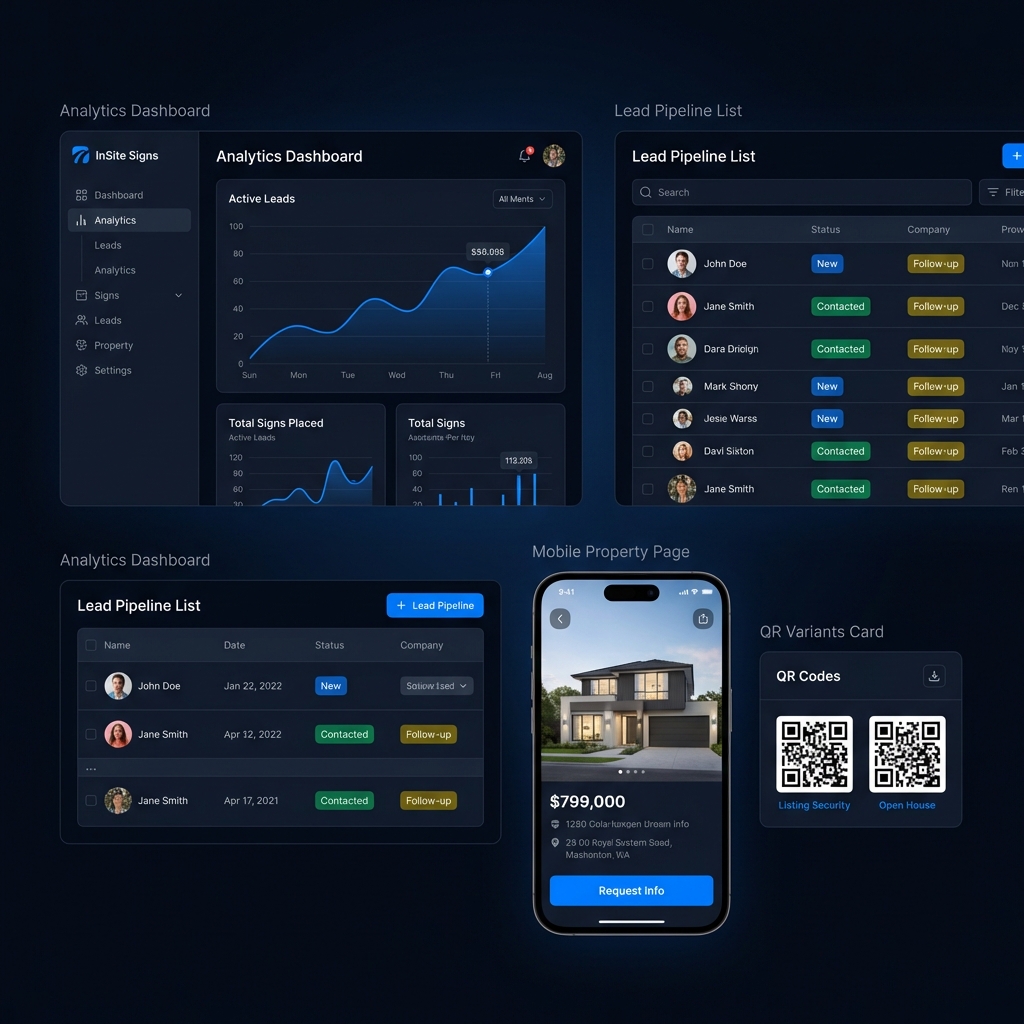
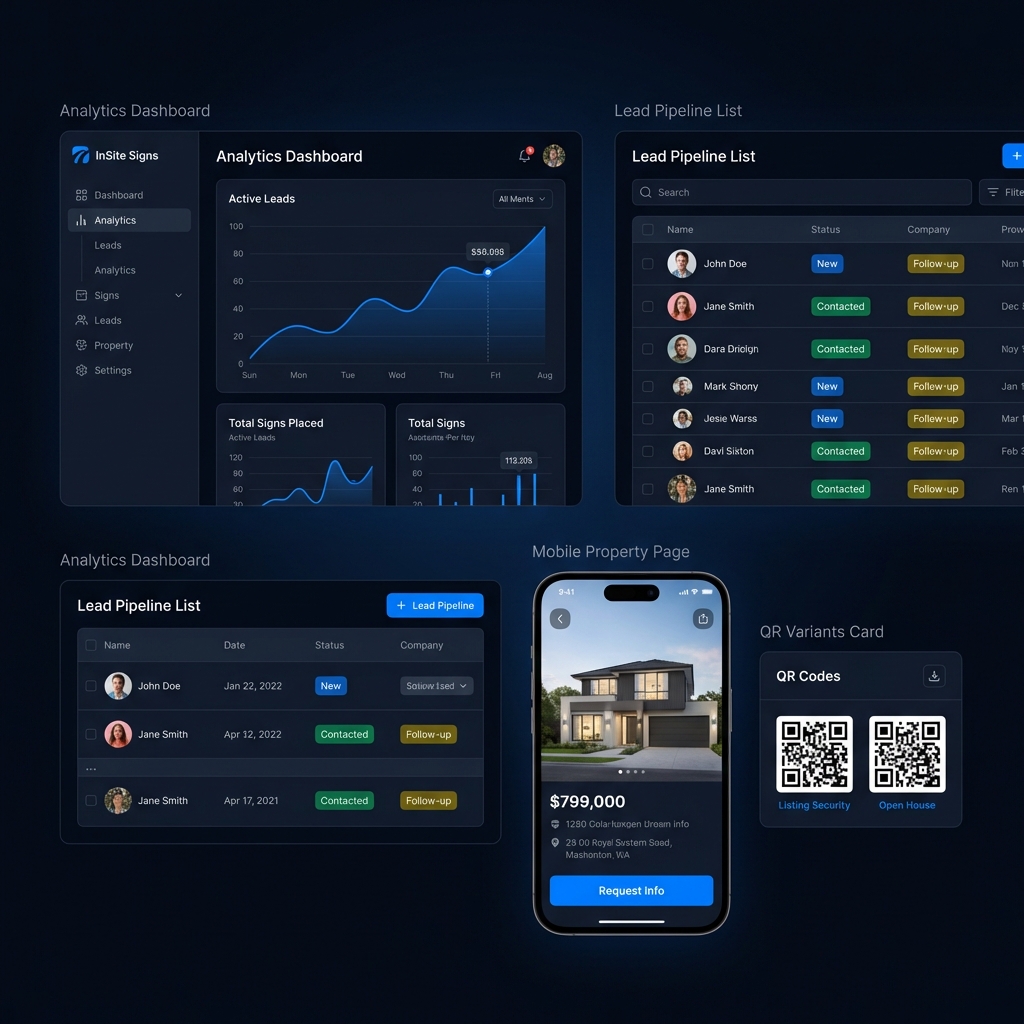
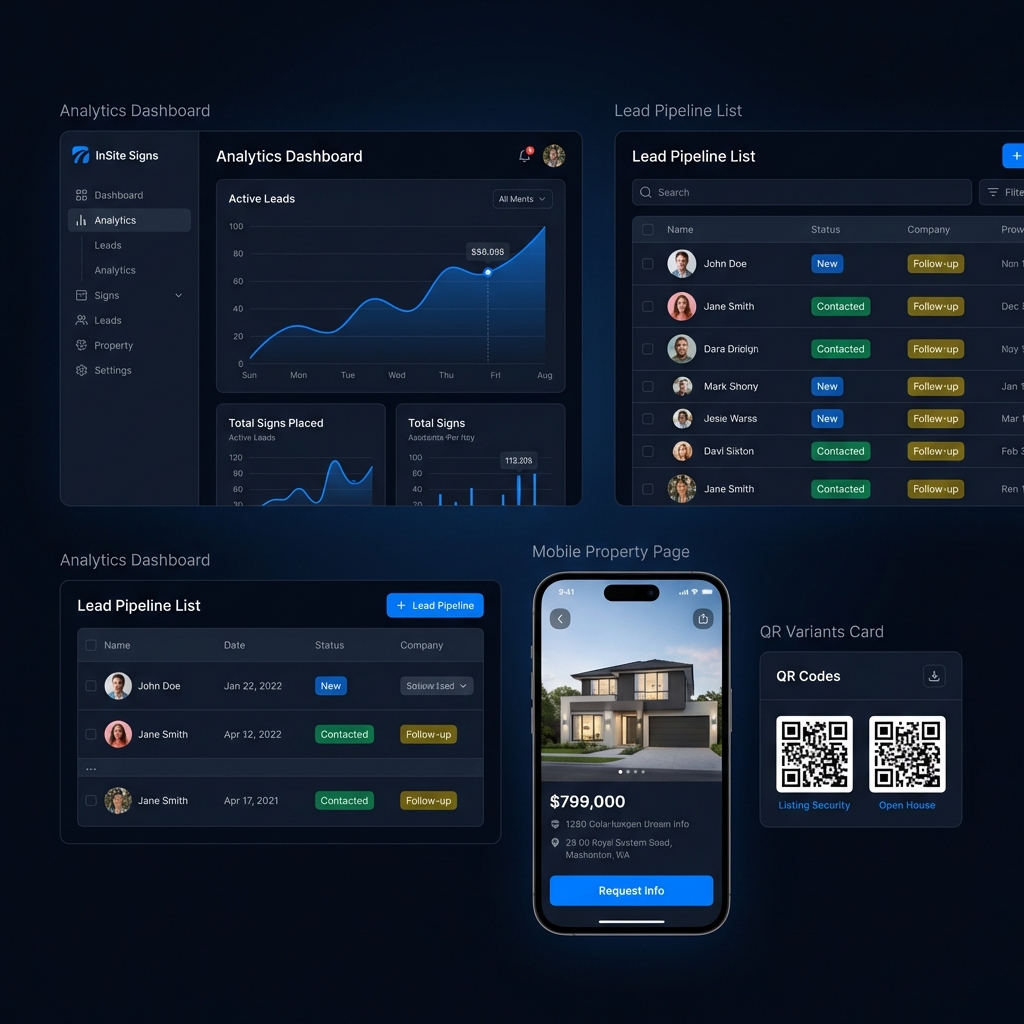
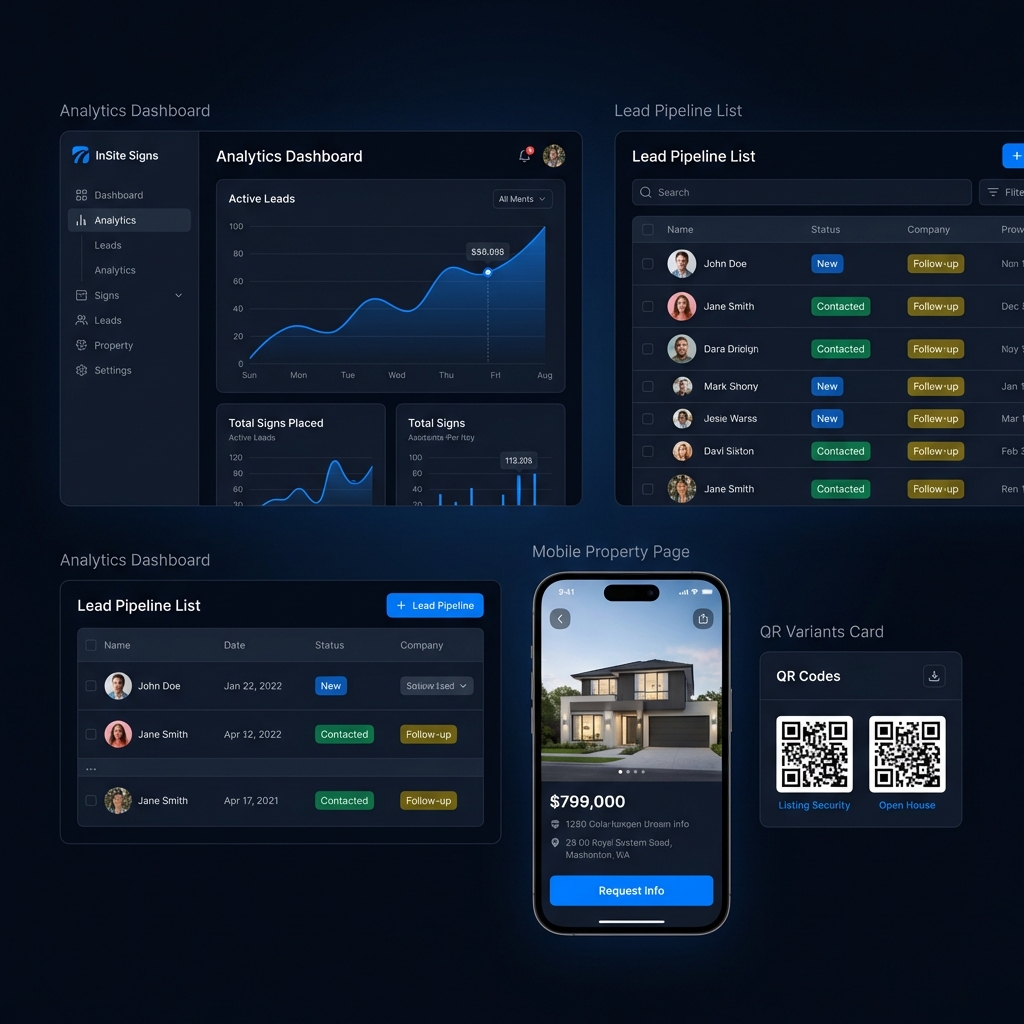
Analytics Dashboard showing leads and scans
QR Code Campaign Variants
Lead Pipeline List View
Mobile Property Listing Page

1. Launch your first listing

One path to first value: create the listing, order the yard sign, then share the live page.

STEP 1
Create the listing
Publish the page buyers will actually open
  • Add the address, photos, and agent details once
  • Generate a clean hosted property page automatically
  • Keep the buyer experience tied to the sign from day one
STEP 2
Order the yard sign
Built for the single-property launch
  • Tied to one property address and QR destination
  • Available in coroplast and aluminum
  • Ships direct to the listing so the launch stays moving
STEP 3
Share the live page
Give buyers one clean next step
  • Copy the public listing link and post it anywhere
  • Track scans, visits, and lead requests after launch
  • See which listings are getting attention first

2. Choose the right plan for launch

Start free for your first active listing. Upgrade when you need internal lead capture, attribution, and more room to scale.

Free
$0/mo
  • Launch 1 live listing or direct SmartSign order
  • Hosted buyer page or safe external redirect
  • Basic scan activity to prove early interest
Start Free
POPULAR
Pro
$24.99/mo
  • Capture sign-driven leads inside InSite
  • Prove performance with attribution, analytics, and seller reports
  • Follow up faster with lead workflow, alerts, and exports
  • Scale across unlimited properties and reusable SmartSigns
  • Give your team shared visibility into listings, signs, and leads
Start Pro Monthly - $24.99/mo

3. Know what happens after launch

Measure attention, follow up faster, and upgrade only when you need deeper lead-routing and attribution.

ANALYTICS
See the traffic
Know which listings are getting attention
  • GPS attribution tracking
  • Traffic timeline and conversion trends
  • Device mix and referral context
  • Campaign ROI signal
FOLLOW-UP
Respond with context
Turn scans into faster follow-up
  • Instant scan alerts
  • Lead exports and webhook-ready workflows
  • Branded property pages with agent contact routing
  • Scan and lead activity tracking for follow-up